An extra pair of eyes on the pool
It doesn't get bored of looking at the water.
Prop up a spare phone where it can see the pool and tap the water once so the app knows which part to watch. From then on it keeps track of the people swimming, and if someone stops moving the way a swimmer normally does, it sets off an alarm and asks you to go and look.
- Free app
- No extra hardware
- Works offline
- Nothing leaves your phone
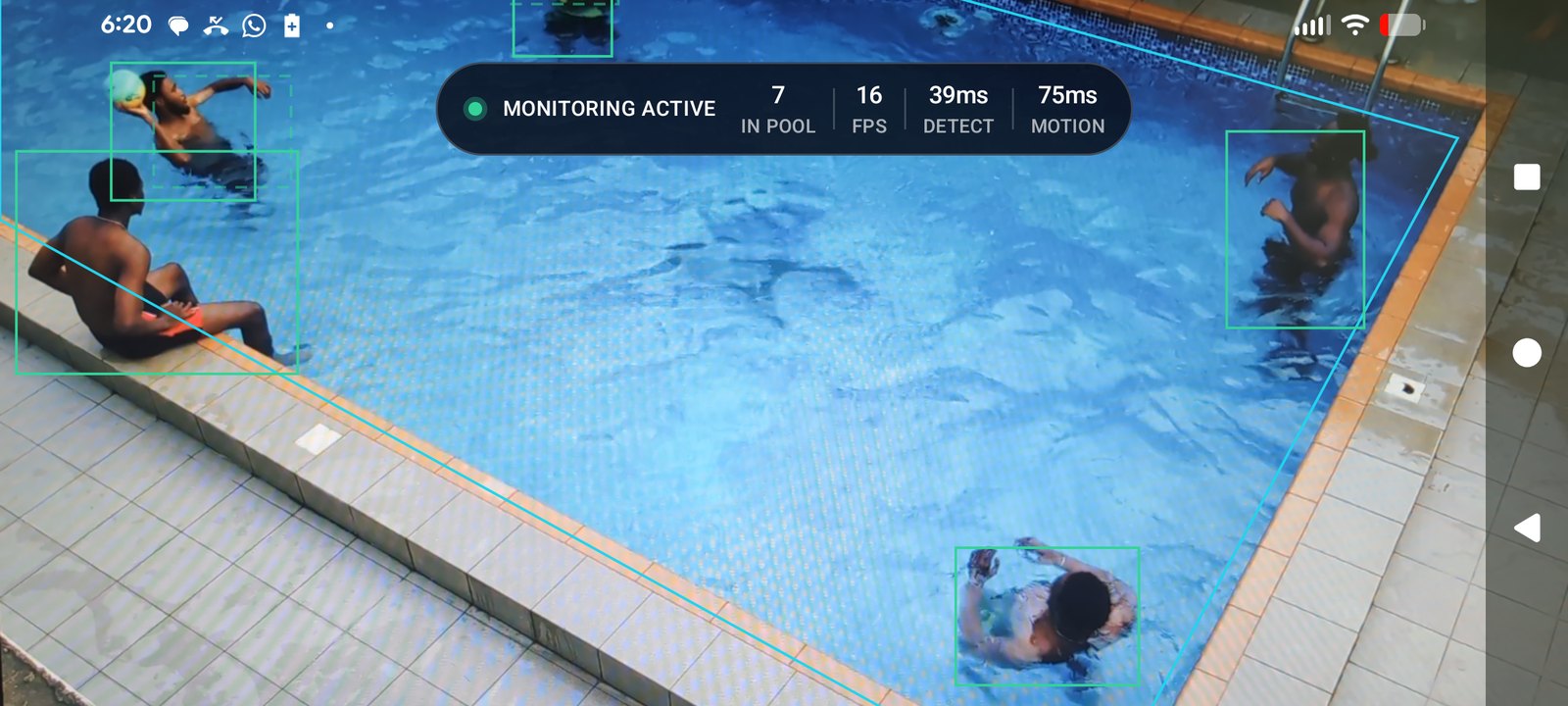
The app running on an ordinary phone, with a box around each person it has found.
Why we built it
Drowning is quiet, and it happens fast
It doesn't look the way it does in the movies. There usually isn't any shouting or thrashing around, which is part of why it gets missed by someone sitting a few feet away. And watching water for an hour is harder than it sounds — your attention wanders well before you notice it has. For children ages 1 to 4, most drownings happen in a home swimming pool.1
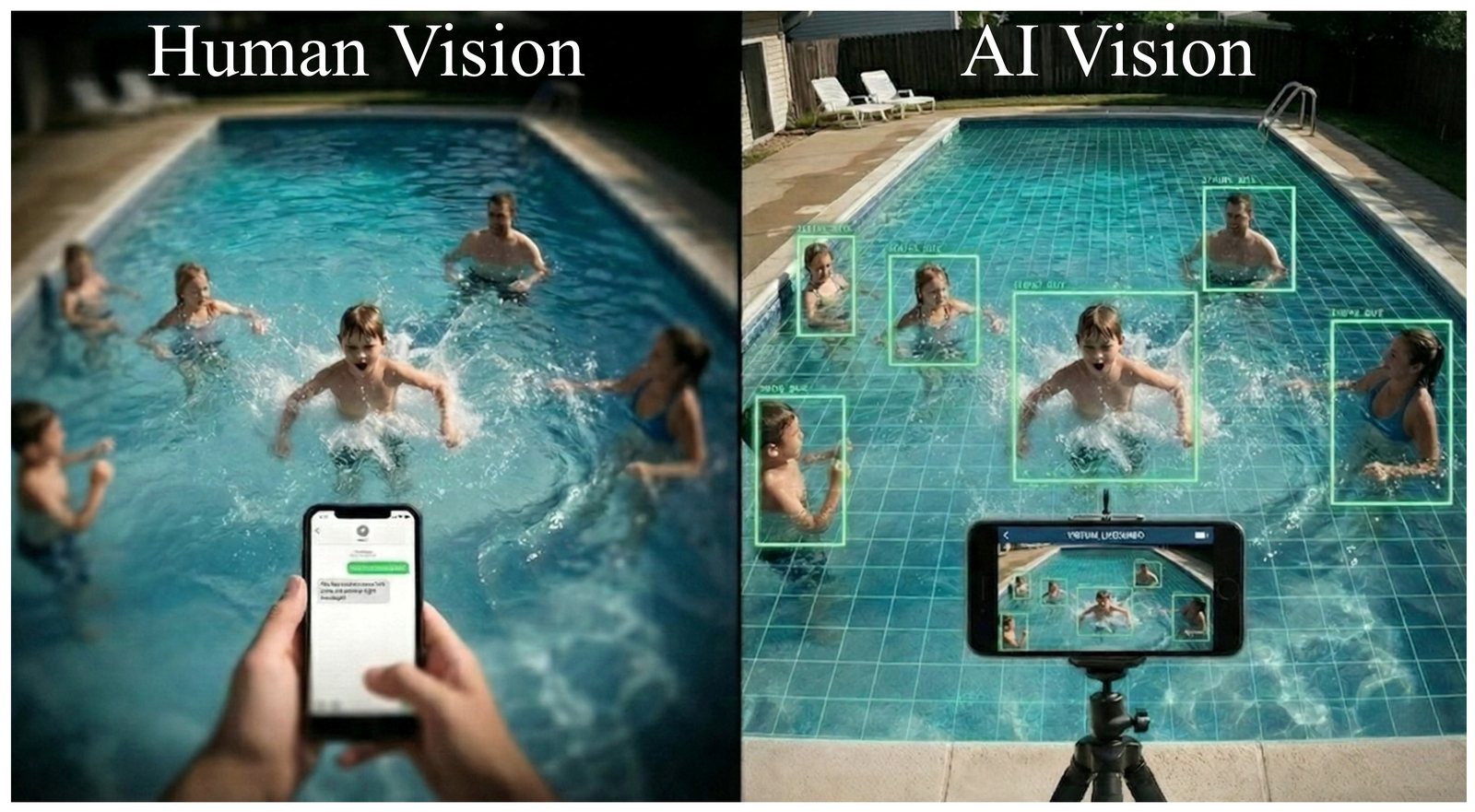
The idea, roughly: the phone keeps looking while you're doing something else. This is a drawing we generated to explain it, not a screenshot.
How it works
Setting it up takes about a minute
There's nothing to fit around the pool and no camera to screw to a wall. If there's an old Android phone in a drawer somewhere, that's the whole setup.
1 · Point it at the water
Prop the phone up somewhere it can see the pool. Tap the water on the screen so the app knows which part to watch, then press Start.
2 · It follows the swimmers
It puts a box around each person it can see and keeps track of them as they move around. It keeps doing that for as long as you leave it running.
3 · It sets off an alarm
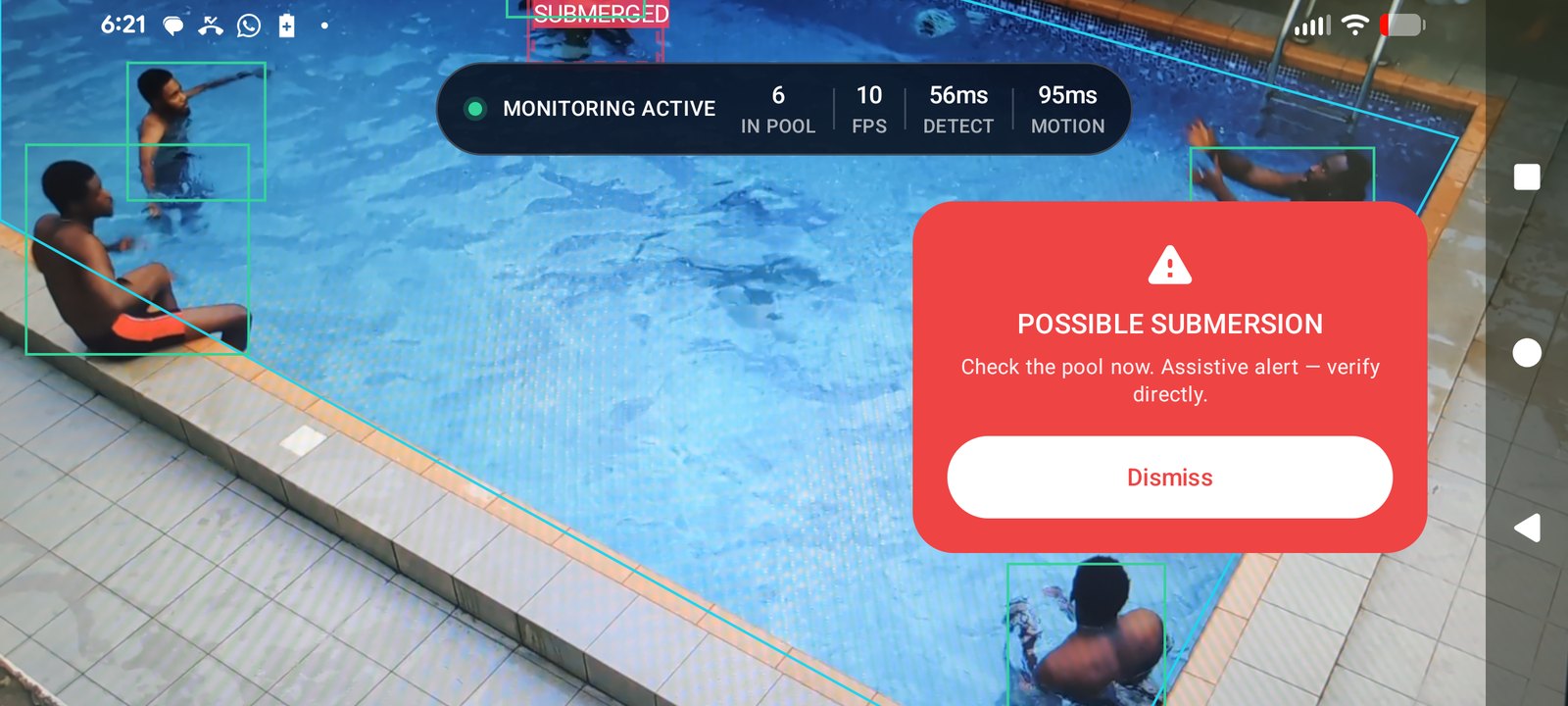
If someone stops moving the way swimmers usually move, or goes under and doesn't come back up, the phone makes a loud noise and tells you to check the pool.
It doesn't send anything anywhere
We didn't want to make an app that films kids and uploads the video, so it doesn't. The work all happens on the phone. Nothing is recorded, there's no account to make and nothing to pay for, and the app doesn't ask for internet access at all.
The app
What it looks like
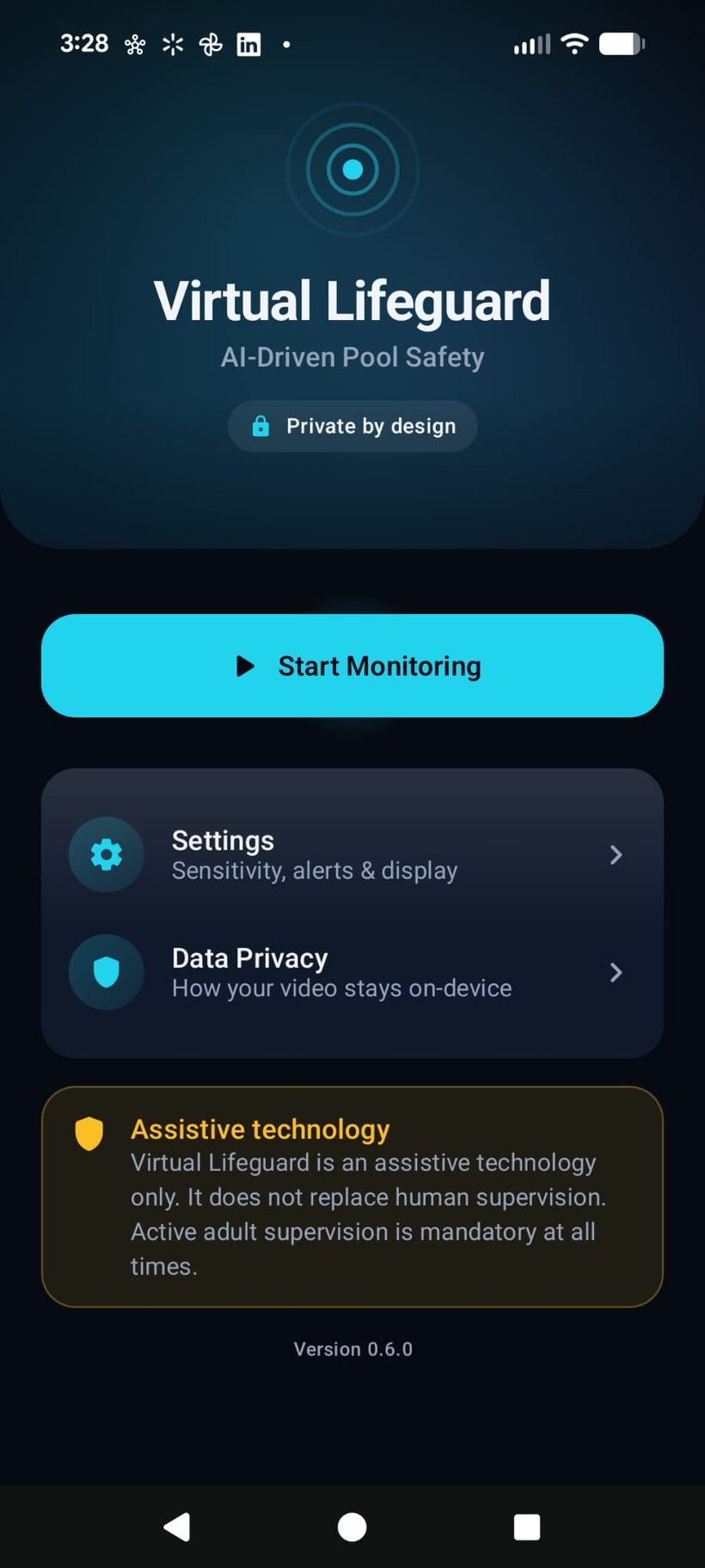
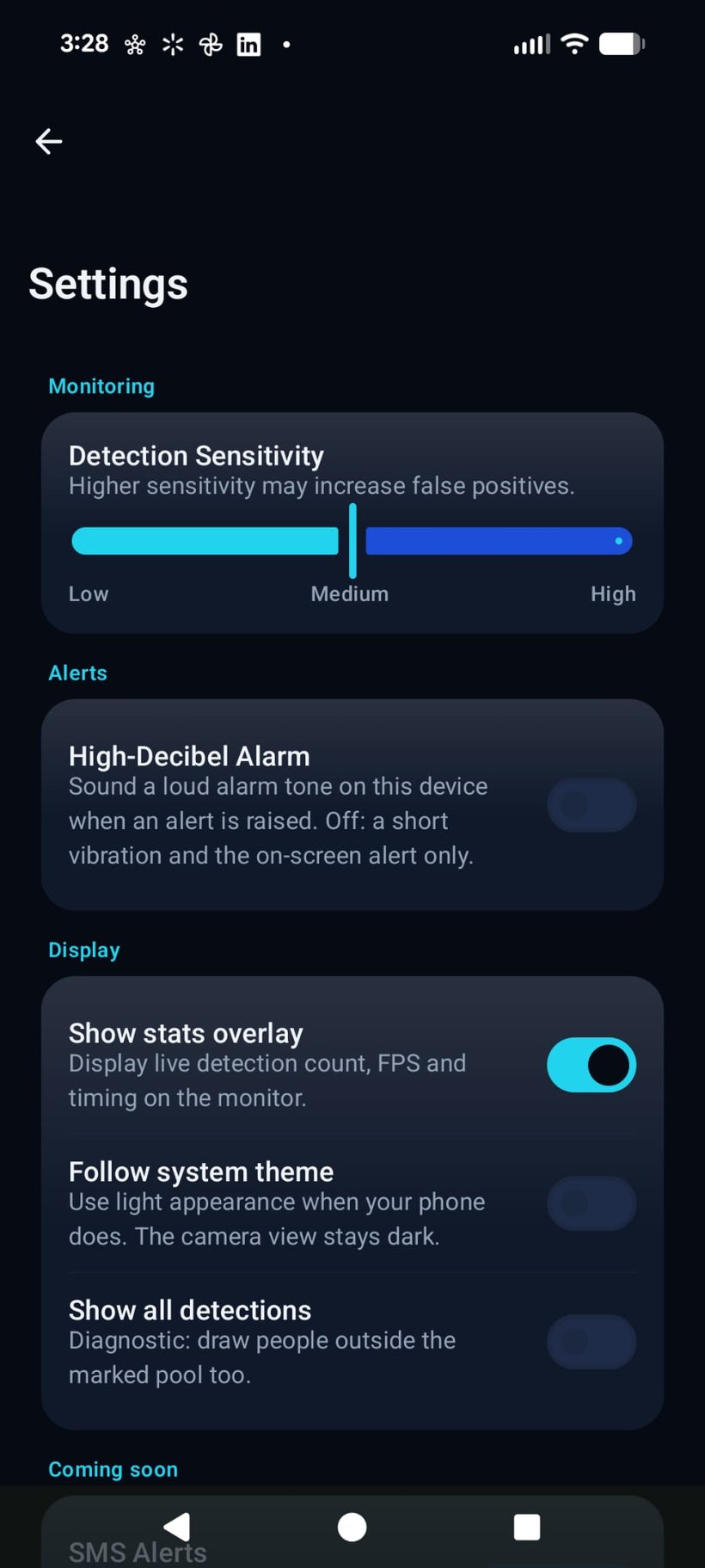
Most of our time went on the alert screen. If the app is going to interrupt you, it should be clear right away what it thinks it saw and what you're supposed to do about it.
It's a second pair of eyes, not a lifeguard
An adult still has to be watching the pool. The app can miss things, and it can also raise an alarm when nothing is actually wrong, so a quiet phone isn't evidence that everyone is fine. It needs a clear view of the water to have any chance at all, and it is not a certified safety device. The app says the same thing on its own home screen and again on every alert.
Where we are
It works, but it isn't finished
We're two students, and Virtual Lifeguard is a real app that runs — but you can't download it yet. We're still testing it at actual poolsides to find out how often it misses something and how often it cries wolf, and we don't want to hand it to anyone before we know those numbers. There's also a license on one of the parts we build on that we need to figure out first.
If we open it up for testing, we'll put it on this page.